

Are you aware that over 70% of homes are at risk of cyber attacks due to unsecured networks? Knowing how to secure your home network is crucial in today’s digital age. With the increasing number of smart devices and the rise of remote work, a robust home network security strategy is more important than ever. As an expert in cybersecurity with years of experience, I will guide you through proven methods to enhance the safety of your network. In this article, you will discover essential tips, best practices, and common pitfalls to avoid when securing your home network, ensuring your personal information remains protected from potential threats.
Understanding the Importance of Network Security
Securing your home network is crucial in today’s digital age, as more devices connect to the internet than ever before. A compromised network can lead to unauthorized access to personal information, financial data, and even control over smart home devices. Understanding the potential risks and vulnerabilities is the first step in protecting your network. Cybercriminals often exploit weak passwords, outdated firmware, and unsecured Wi-Fi connections to gain access. By prioritizing network security, you can safeguard your family’s privacy and maintain the integrity of your connected devices.
Common Threats to Home Networks
Home networks face various threats such as malware, phishing attacks, and unauthorized access. Malware can infiltrate devices, stealing information or causing damage. Phishing attacks trick users into providing sensitive information, while unauthorized access allows intruders to exploit your network. Recognizing these threats is essential for implementing effective security measures.
Consequences of a Breached Network
A breached home network can lead to severe consequences, including identity theft, financial loss, and loss of privacy. Hackers can steal personal information, such as social security numbers and banking details, leading to unauthorized transactions. Moreover, compromised smart devices can be used for illegal activities, putting your safety at risk. Understanding these potential outcomes underscores the importance of proactively securing your network.
Key Points:
- Securing your network protects personal and financial information.
- Awareness of common threats helps in implementing effective security measures.
Basic Steps to Secure Your Home Network
Implementing foundational security measures can significantly enhance the safety of your home network. First, updating your router’s firmware regularly ensures it has the latest security patches. Next, changing the default administrator username and password to a strong and unique combination can deter unauthorized access. Additionally, enabling WPA3 encryption adds an extra layer of protection for your Wi-Fi network. These simple yet effective steps form the backbone of a secure home network and help in mitigating risks associated with cyber threats.
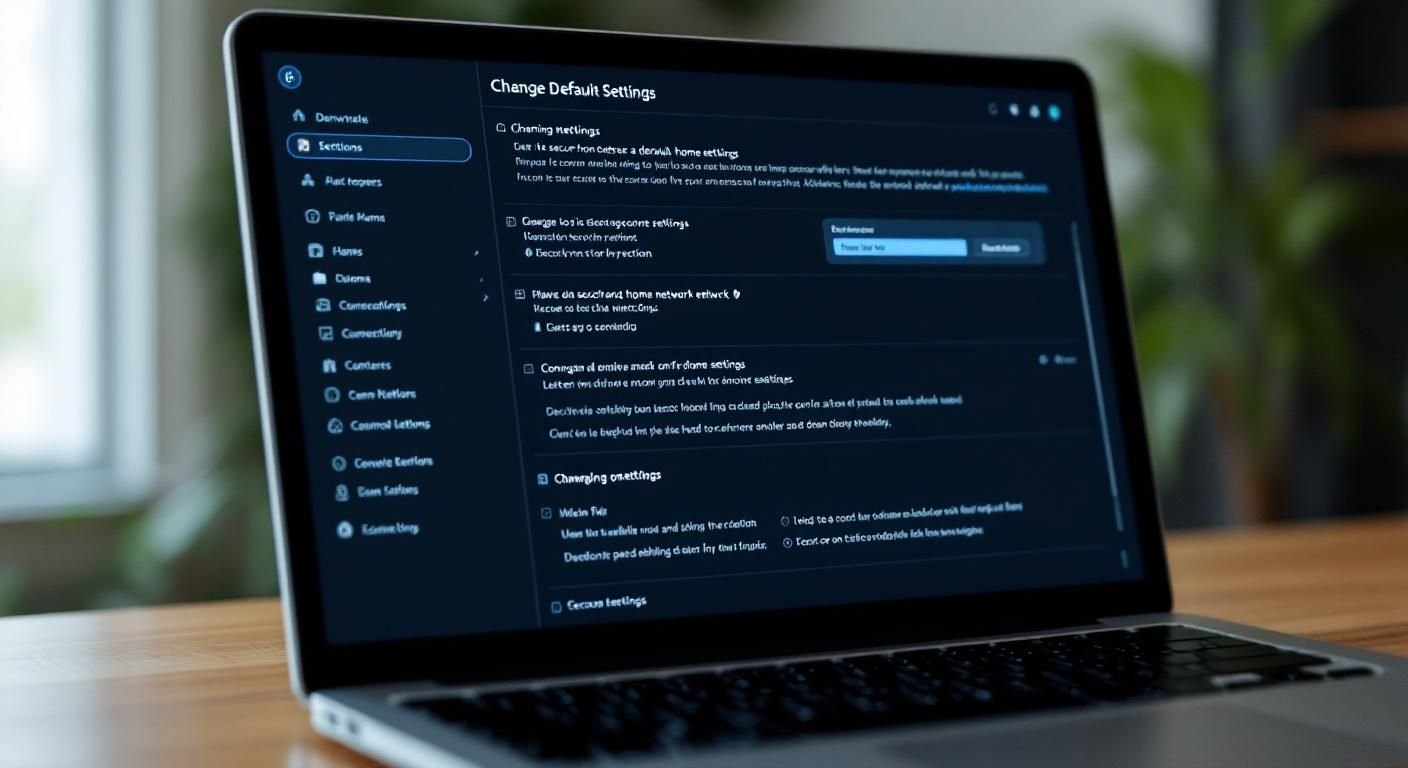
Changing Default Settings
Modifying default settings on your router is critical, as many hackers exploit these factory defaults. Begin by accessing your router’s settings through a web browser, then change the default username and password. Use a combination of uppercase and lowercase letters, numbers, and symbols to create a complex password. This makes it significantly harder for unauthorized users to gain access.
Enabling Network Encryption
Enabling WPA3 encryption on your Wi-Fi network is essential to secure data transmissions. This encryption standard is the latest and offers improved security over previous versions. Access your router settings and navigate to the wireless security section to change the encryption method. This step ensures that data sent over your network is encrypted, protecting it from eavesdropping.
Regularly Updating Firmware
Regular firmware updates for your router are vital to protect against newly discovered vulnerabilities. Manufacturers release updates to patch security flaws and improve functionality. Schedule periodic checks for firmware updates or enable automatic updates if available. This proactive measure helps ensure your router is equipped with the latest defenses against cyber threats.
Key Points:
- Changing default settings reduces the risk of unauthorized access.
- Enabling encryption protects data transmissions over your network.
Understanding Network Security Basics
Securing your home network begins with understanding the basics of network security. The first step is to change the default username and password for your router. Default credentials are widely known and can be easily exploited by attackers. Next, ensure that your Wi-Fi encryption is set to WPA3 or, at a minimum, WPA2. This encryption method protects your data as it travels between your devices and the router. Lastly, enable a guest network for visitors to prevent them from accessing your main network, adding an extra layer of security.
Changing Default Credentials
Changing the default username and password of your router is crucial. Use a strong, unique password that combines letters, numbers, and symbols. This makes it significantly harder for unauthorized users to gain access to your network. Remember to document your new credentials in a secure place.
Wi-Fi Encryption Settings
Setting your Wi-Fi encryption to at least WPA2 is essential for protecting your network. WPA3 offers enhanced security features, but if not available, WPA2 is still effective. This encryption scrambles your data, making it unreadable to anyone attempting to intercept it. Regularly check your settings to ensure they remain unchanged.
💡 Always enable network encryption to prevent unauthorized access.
💡 Regularly update your router firmware to patch vulnerabilities.
Advanced Security Measures for Your Home Network
To further bolster your home network security, consider implementing advanced measures. One effective strategy is to use a firewall. Firewalls monitor incoming and outgoing traffic and can block suspicious activity. Additionally, disabling WPS (Wi-Fi Protected Setup) is recommended, as it can be susceptible to attacks. Finally, consider using a Virtual Private Network (VPN) for an added layer of security, especially when accessing your network remotely.
Implementing a Firewall
A firewall acts as a barrier between your home network and the internet. It can be hardware-based or software-based. Ensure that your router’s built-in firewall is enabled, and consider adding a dedicated firewall device for increased protection. This helps in filtering out malicious traffic and preventing unauthorized access.
Disabling WPS
Wi-Fi Protected Setup (WPS) simplifies connecting devices but can expose your network to vulnerabilities. By disabling WPS, you eliminate the risk of brute-force attacks that exploit this feature. It’s essential to connect devices manually to maintain higher security standards.
💡 Regularly monitor connected devices to identify unauthorized access.
💡 Consider using a VPN for secure browsing, especially on public networks.
EXPERT TIPS Pro Advice
Segment your network.
Create separate networks for different devices to minimize risks. For example, keep IoT devices on a separate network from your computers and phones.
Regularly audit your network.
Conducting regular audits helps identify any unauthorized devices or unusual activity, allowing you to address potential security breaches swiftly.
Use strong, unique passwords for each device.
Each device should have its own password to prevent a single compromised password from jeopardizing your entire network.
Frequently Asked Questions
Conclusion
Securing your home network is essential for protecting personal information and devices from cyber threats. Start by changing default passwords, using strong encryption, and keeping your firmware updated. Implement guest networks and device security measures for comprehensive protection.
🎯 Key Takeaways:
- Change default passwords and SSIDs immediately.
- Use WPA3 encryption for better security.
- Regularly update router firmware to protect against vulnerabilities.
- Enable guest networks to isolate visitors from your main network.
- Use strong, complex passwords for Wi-Fi access.
Expert Advice: Stay proactive about your home network security. Regularly review your settings, educate household members on safe internet practices, and adjust security measures as needed to adapt to emerging threats.
Take the necessary steps today to secure your home network and protect your digital life.
Leave a Reply