
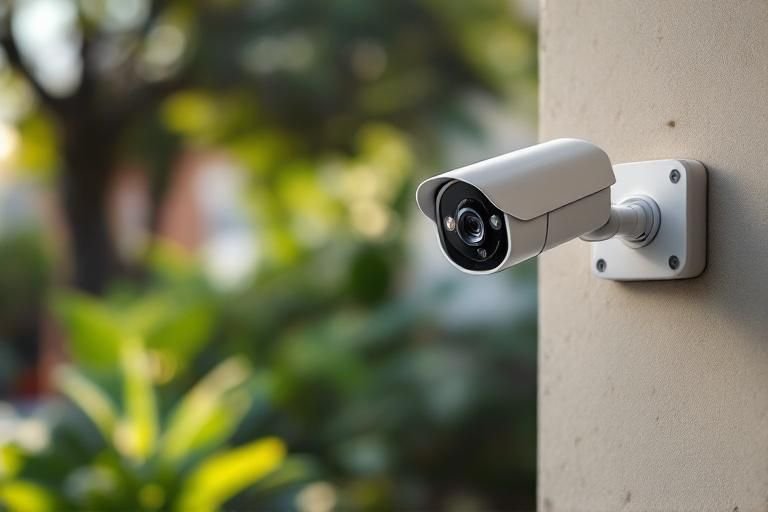
Are you concerned about the safety of your home and loved ones? Setting up home security cameras is an effective way to enhance your home’s security and gain peace of mind. With over 15 years of experience in home security and surveillance, we understand the importance of proper installation and placement of these cameras. In this guide, you will learn how to set up home security cameras efficiently, from choosing the right type of camera to configuring the system for optimal performance. Whether you’re a DIY enthusiast or a novice, our step-by-step instructions will empower you to protect your home effectively.
Understanding the Importance of Home Security Cameras
Home security cameras play a crucial role in safeguarding your property and enhancing your peace of mind. They act as deterrents against crime, providing both visual evidence and a sense of security for homeowners. Knowing that your property is under surveillance can discourage potential intruders and help you respond swiftly in case of any incidents. Moreover, modern cameras often come with features like motion detection and remote access, allowing you to monitor your home from anywhere. Understanding how they function and their benefits is essential before making a purchase or installation.
Benefits of Home Security Cameras
Home security cameras provide various benefits, including crime deterrence, evidence collection, and insurance discounts. By visibly installing cameras, you signal to potential intruders that your home is monitored. In case of a break-in, recorded footage can serve as crucial evidence for law enforcement and insurance claims, potentially leading to lower premiums.
Types of Home Security Cameras
There are several types of home security cameras available, including indoor, outdoor, wired, and wireless options. Indoor cameras monitor activity within your home, while outdoor cameras are built to withstand weather elements. Wired cameras often provide a stable connection but require more installation effort, whereas wireless cameras are easier to set up but may rely on battery life.
Key Points:
- Home security cameras deter crime and enhance peace of mind
- Choosing the right type of camera is crucial for effective monitoring
Planning Your Home Security Camera Setup
Setting up home security cameras requires careful planning to ensure optimal coverage and functionality. Start by evaluating your property to identify vulnerable areas that need monitoring. Common locations include entry points such as doors and windows, as well as garages and driveways. It’s essential to consider factors such as lighting, camera placement, and the range of vision to ensure that all critical areas are covered effectively. Proper planning not only enhances security but also helps to make the most of your investment.
Identifying Vulnerable Areas
Begin by conducting a thorough walkthrough of your property. Look for entry points that are less visible or poorly lit, as these are often targeted by intruders. Pay attention to areas with high foot traffic, such as front and back doors, and ensure that these are adequately monitored with cameras aimed at capturing clear footage.
Optimal Camera Placement
When placing cameras, consider a height of 8-10 feet to avoid tampering while ensuring a clear view of facial features. Position cameras at angles that maximize coverage, avoiding obstructions like trees or walls. Additionally, ensure that cameras are shielded from direct sunlight and heavy rain to maintain optimal functionality.
Key Points:
- Evaluate property for vulnerable areas needing surveillance
- Camera placement and angles are critical for effective monitoring
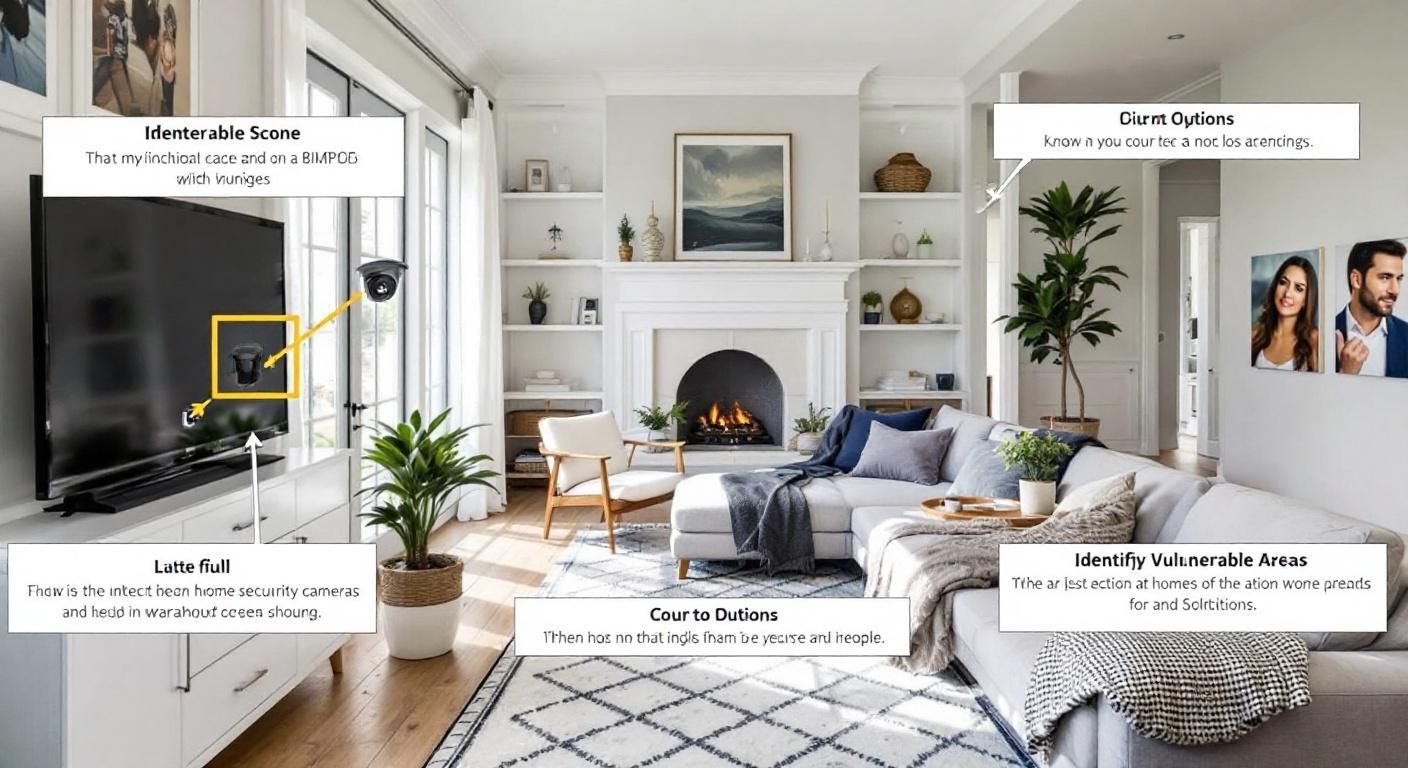
Understanding the Types of Home Security Cameras
Before setting up home security cameras, it’s crucial to understand the different types available. Primarily, there are wired and wireless cameras, each with unique advantages. Wired cameras typically offer reliable power and a stable connection, ideal for fixed locations. Conversely, wireless cameras provide flexibility in positioning but may require battery replacements. Understanding these types will help determine what fits best in your home environment.
Wired vs. Wireless Cameras
Wired cameras connect directly to your home’s electrical system and network, offering stable performance and high-quality video. However, installation can be more complex, requiring professional assistance. Wireless cameras are easier to install and can be repositioned easily, but they may be susceptible to interference and connectivity issues.
Indoor vs. Outdoor Cameras
Indoor cameras are designed to monitor the interior of your home, while outdoor cameras are built to withstand weather elements. Outdoor cameras usually have features like night vision and motion detection, making them suitable for perimeter monitoring. Choose based on the specific areas you wish to secure.
Key Points:
- Understanding camera types is essential for effective surveillance.
- Select suitable cameras based on their intended location.
💡 Consider your home layout when choosing camera types and placements to ensure comprehensive coverage.
💡 Utilize both indoor and outdoor cameras for a more robust security system.
Installation and Configuration of Security Cameras
Setting up home security cameras involves strategic installation and configuration. Start by determining optimal locations for camera placement, ensuring critical areas like entry points and driveways are covered. Use a ladder when necessary, and ensure cameras are mounted securely to prevent tampering. Configuration includes connecting the cameras to your home network and setting up alerts for motion detection, which can enhance overall security.
Optimal Camera Placement
Identify key locations for camera installation, such as entrances, driveways, and backyards. Ideally, cameras should be mounted at a height that captures faces and not just the tops of heads. Avoid obstructions like trees and fences that could block the camera’s view.
Configuring Your Security System
After installation, connect the cameras to your Wi-Fi network and configure settings such as motion sensitivity and alert notifications. Ensure your cameras have adequate bandwidth and consider using a dedicated network if possible. Regularly update firmware to enhance security features.
Key Points:
- Proper placement and configuration are critical for effective surveillance.
- Regular updates and adjustments can enhance the performance of your security system.
💡 Test camera angles and coverage before finalizing installations to ensure blind spots are minimized.
💡 Regularly review and adjust settings based on your security needs and patterns.
EXPERT TIPS Pro Advice
Utilize cloud storage for footage
Storing footage in the cloud ensures that video evidence is safe from local theft or damage, providing peace of mind.
Ensure strong Wi-Fi connectivity
A reliable Wi-Fi connection is crucial for wireless cameras. Regularly check signal strength and consider Wi-Fi extenders if needed.
Incorporate privacy features
Select cameras with privacy modes to ensure that they can be turned off when you’re home, maintaining your privacy while enhancing security.
Frequently Asked Questions
Conclusion
Setting up home security cameras involves careful planning and execution. From determining camera placement to ensuring secure connections, each step is vital for effective surveillance. By following DIY guidelines and considering security measures, you can enhance your home’s safety.
🎯 Key Takeaways:
- Identify key areas for camera placement.
- Connect cameras to Wi-Fi with proper credentials.
- Choose between wired or wireless systems based on needs.
- Implement strong security measures to protect camera feeds.
Expert Advice: Take your time during the setup process and regularly review your system’s performance. Ensure cameras are functioning correctly and adjust placements as necessary for optimal coverage.
Start assessing your home today to determine where security cameras can make the most impact.
Leave a Reply