
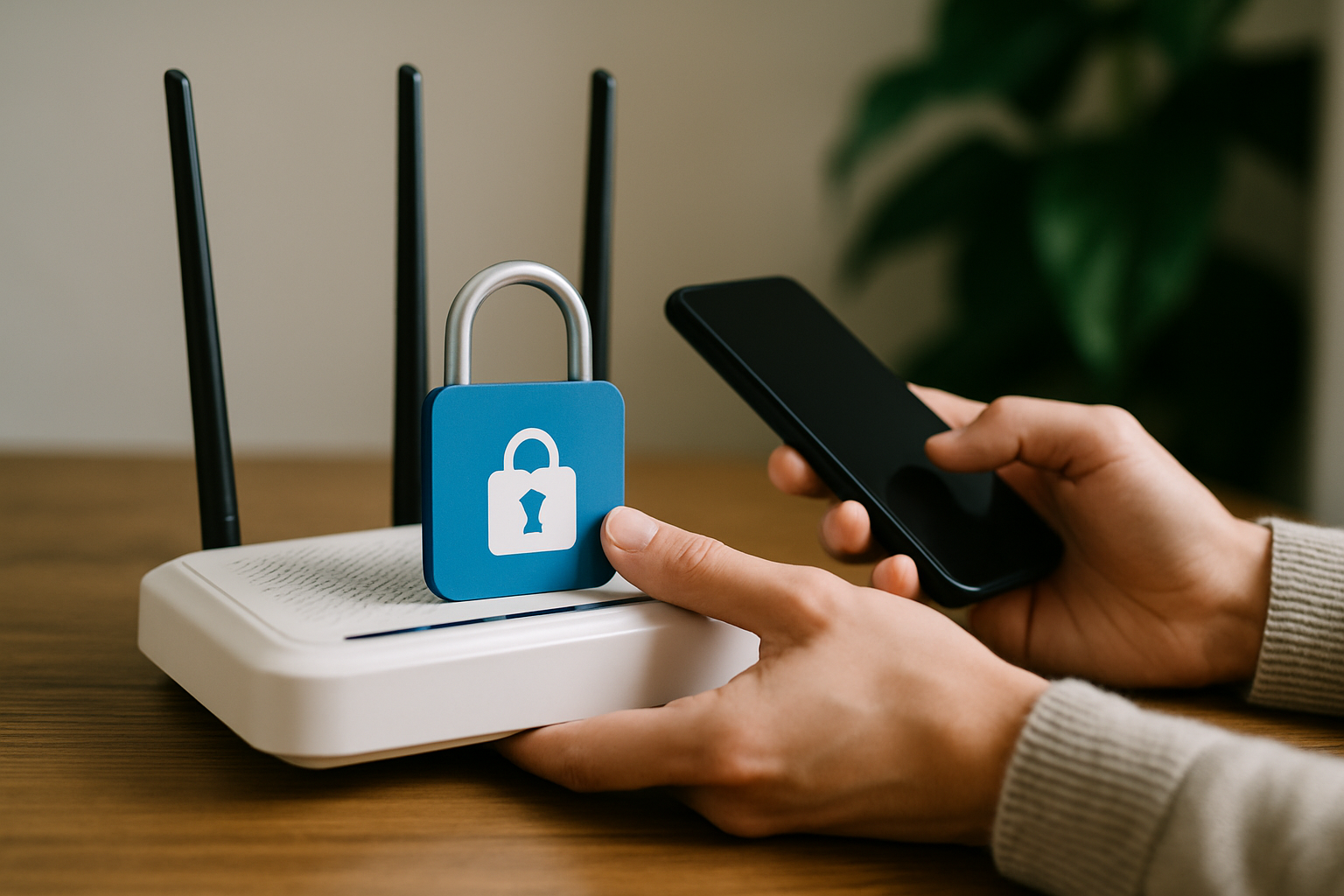
How to Secure Home Wifi: Essential Strategies for Protection
Are you aware that over 80% of home wifi networks are vulnerable to unauthorized access? In today’s digital age, knowing how to secure home wifi is crucial for safeguarding your personal information and maintaining online privacy. With cyber threats on the rise, it’s imperative to take proactive steps to protect your home network from intruders. As an expert in network security, I understand the common pitfalls and the best practices to ensure your wifi remains safe. In this article, you’ll discover effective strategies to secure your home wifi, including tips on setting strong passwords, enabling encryption, and much more. By the end, you will feel confident in your ability to protect your home network from potential threats.
Understanding the Importance of Securing Your Home WiFi
Securing your home WiFi network is critical in today’s digital age, where cyber threats are increasingly prevalent. An unsecured WiFi network can allow unauthorized users to access your internet connection, which can lead to data theft, slower speeds, and compromised personal information. By taking proactive measures to secure your network, you not only protect your devices but also safeguard your privacy and sensitive data. Understanding the potential risks and implementing security measures can significantly reduce the chance of unauthorized access and attacks.
Common Risks of Unsecured WiFi
Unsecured WiFi networks can expose users to various risks, including unauthorized access and data breaches. Hackers can exploit weak security settings, gaining access to personal information such as passwords and banking details. Additionally, neighbors or passersby can use your internet connection for illegal activities which can lead to legal issues. Understanding these risks emphasizes the need for robust security measures.
Benefits of a Secure WiFi Network
A secure WiFi network provides numerous benefits, including enhanced privacy, better performance, and protection from cyber threats. It helps ensure that your online activities remain confidential and that your data is not intercepted. Furthermore, a secured network often leads to improved speed and reliability as fewer unauthorized users are connected, allowing for better bandwidth distribution.
Key Points:
- Securing WiFi protects personal data from unauthorized access.
- A secure network enhances overall internet performance.
Basic Steps to Secure Your Home WiFi
Securing your home WiFi network involves several straightforward steps that can significantly enhance your network’s security. The first step is to change the default username and password for your router, which are often easily guessable. Next, enabling WPA3 encryption adds a strong layer of protection against unauthorized access. Additionally, regularly updating your router’s firmware is crucial as manufacturers often release updates to patch vulnerabilities. Implementing these fundamental security measures can greatly reduce the likelihood of cyber threats.
Changing Default Router Credentials
Most routers come with default usernames and passwords that are publicly available. Changing these to unique credentials is essential for protecting your network. Choose a complex password that combines letters, numbers, and symbols. This makes it significantly harder for unauthorized users to guess and access your router settings.
Enabling Strong Encryption
Using strong encryption, such as WPA3, is crucial for securing your WiFi. Encryption scrambles the data transmitted over your network, making it unreadable to intruders. Ensure that your router is configured to use the highest level of encryption available, as this will provide the best protection against potential threats.
Regular Firmware Updates
Router manufacturers frequently release firmware updates to fix security vulnerabilities and improve performance. Regularly checking for and applying these updates is vital. Consider enabling automatic updates if your router supports it, ensuring that your network remains protected against newly discovered threats.
Key Points:
- Change default usernames and passwords to enhance security.
- Use WPA3 encryption to protect data transmission.
Understanding Basic Security Measures
Securing your home Wi-Fi network is essential to protect your data and privacy. Begin by changing the default administrator username and password of your router. This is crucial as many attackers exploit these factory settings. Next, ensure that your Wi-Fi password is strong, ideally using a mix of upper and lower case letters, numbers, and special characters. Lastly, enable WPA3 encryption if your router supports it, as it offers improved security features over older protocols like WEP and WPA2.
Change Default Credentials
Access your router’s settings through its IP address and locate the admin settings. Change both the username and password to something unique and complex. This step helps prevent unauthorized access from individuals who rely on default login credentials.
Create a Strong Wi-Fi Password
A strong password should be at least 12-16 characters long and include a combination of letters, numbers, and symbols. Avoid personal information and common phrases. Regularly updating this password can further enhance your network security.
Enable the Latest Encryption Protocol
Check your router’s settings to enable WPA3 encryption if available. This protocol offers enhanced security by making it harder for attackers to decrypt data. If WPA3 is unavailable, use WPA2 but ensure it is configured correctly for maximum security.
Key Points:
- Changing default credentials is crucial to prevent unauthorized access.
- Using a strong, complex password significantly increases network security.
💡 Regularly update your router firmware to patch vulnerabilities and improve security.
💡 Disable WPS (Wi-Fi Protected Setup) to prevent unauthorized access through this often-exploited feature.
Advanced Security Practices
For those looking to enhance their home Wi-Fi security further, consider implementing MAC address filtering and setting up a guest network. MAC address filtering allows only specific devices to connect to your network, adding an extra layer of control. Additionally, a guest network can keep visitors separate from your main network, minimizing the risk of unauthorized access to sensitive devices.
Implement MAC Address Filtering
Every device has a unique MAC address. By enabling MAC address filtering, you can create a list of allowed devices. This means that only those specific devices can connect to your Wi-Fi network, effectively blocking others, even if they have the password.
Set Up a Guest Network
Creating a separate guest network for visitors allows them internet access without compromising your primary network. Ensure this network has a distinct SSID and password, and apply the same strong security practices to protect it.
Monitor Connected Devices
Regularly check the list of devices connected to your network. Most routers provide an interface to view all connected devices. If you notice any unfamiliar devices, take immediate action to change your Wi-Fi password and investigate potential breaches.
Key Points:
- MAC address filtering adds an extra layer of network control.
- A guest network can protect your main devices from potential vulnerabilities.
💡 Consider using a VPN on your router for added privacy and security.
💡 Regularly review your network settings and connected devices to ensure no unauthorized access.
EXPERT TIPS Pro Advice
Use a strong Wi-Fi encryption method
Using WPA3 encryption is vital for protecting your data. It’s the latest standard that offers better security against attacks, ensuring your transactions and personal information remain secure.
Change your Wi-Fi password regularly
Regularly changing your Wi-Fi password minimizes the risk of unauthorized access, especially if it’s been shared with guests or service technicians.
Disable remote management features
Disabling remote management prevents outsiders from accessing your router’s settings over the internet, which can help reduce vulnerabilities.
Keep your router firmware up to date
Router firmware updates often include security patches that can protect against newly discovered vulnerabilities, making this a critical maintenance task.
Consider network segmentation
Segmenting your network, such as separating IoT devices from computers and smartphones, can limit exposure to threats and enhance overall security.
Frequently Asked Questions
Conclusion
Securing your home WiFi is essential to protect your personal data and maintain a safe online environment. By implementing strong passwords, enabling WPA3 encryption, regularly updating firmware, and using guest networks, you can significantly reduce security risks.
🎯 Key Takeaways:
- Use strong, unique passwords for your WiFi.
- Enable WPA3 encryption for better security.
- Regularly update your router’s firmware.
- Consider using a guest network for visitors.
- Hide your SSID to make your network less visible.
Expert Advice: Stay proactive about your network security by regularly reviewing your settings and being aware of potential vulnerabilities.
Take a moment to review your home WiFi settings today to enhance your online security.
Leave a Reply