
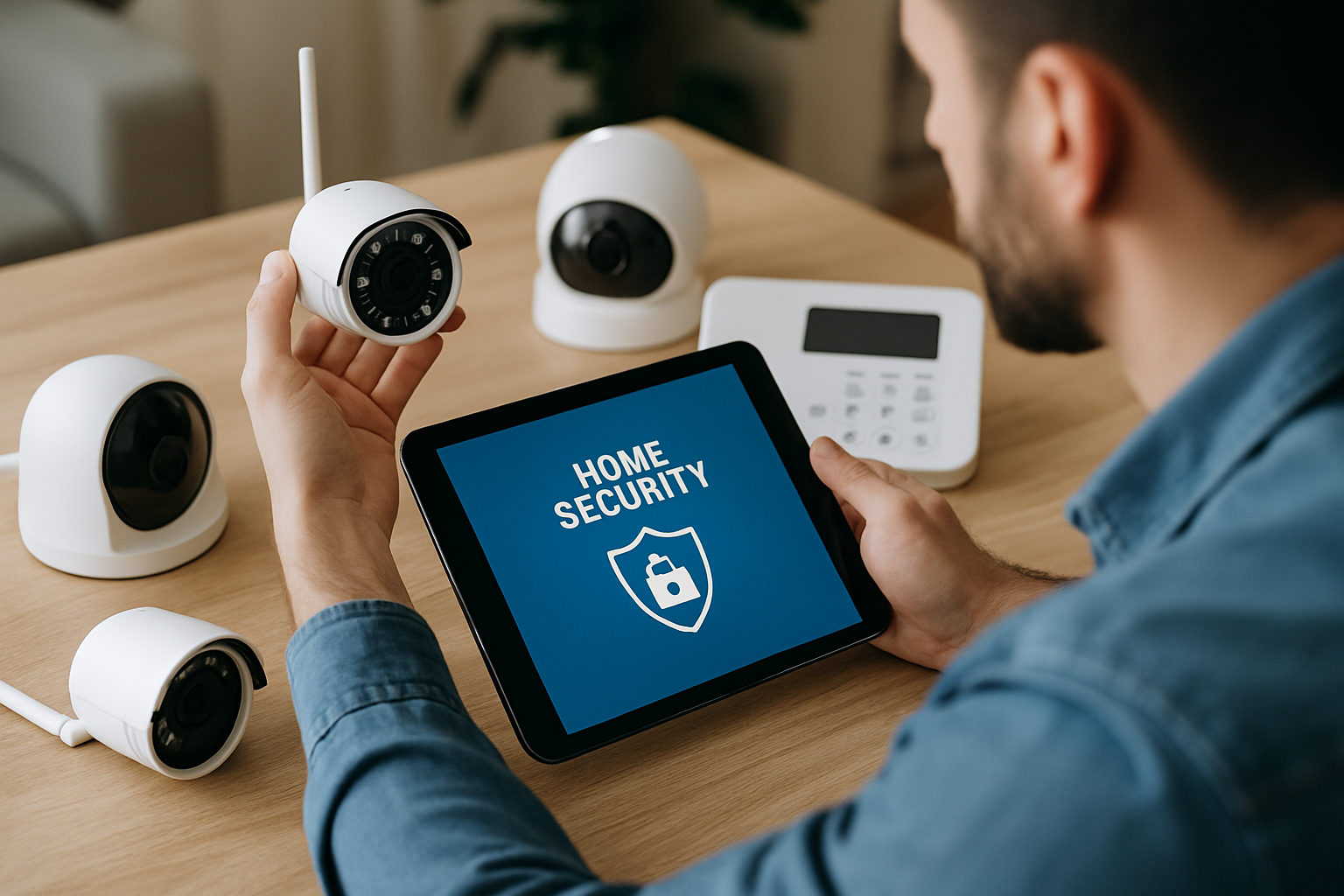
How to Integrate Cameras with a Home Security System for Optimal Safety
Are you looking to enhance your home security but unsure how to integrate cameras with a home security system? You’re not alone; many homeowners face this challenge. With the rising need for surveillance and safety, understanding how to combine these technologies is essential. As an expert in home security solutions, I will guide you through the integration process, ensuring you maximize your home’s protection. In this article, you’ll learn the necessary steps, key considerations, and common pitfalls to avoid when setting up your camera system alongside your existing security measures.
Understanding Home Security Systems
A home security system is designed to protect your property and provide peace of mind. It typically includes alarms, sensors, and cameras that work together to detect intrusions and monitor activity. Understanding the components of these systems is crucial for effective integration. Cameras serve as a vital component, offering real-time surveillance and recorded footage of your property. Integrating cameras with a home security system enhances the overall effectiveness, allowing you to monitor your home remotely and receive alerts on suspicious activity. This integration can be achieved through wired or wireless connections, depending on your existing infrastructure and preferences.
Types of Security Cameras
There are several types of security cameras to consider, including indoor, outdoor, wired, and wireless options. Indoor cameras are typically used for monitoring spaces within your home, while outdoor cameras are designed to withstand weather conditions and provide a wider field of view. Wired cameras tend to offer more stable connections, while wireless cameras offer flexibility in placement. Understanding these differences will help you choose the right cameras for your security system.
Key Features of Security Cameras
When selecting cameras, consider key features such as resolution, night vision, motion detection, and two-way audio. High-resolution cameras provide clearer images, which can be crucial for identifying intruders. Night vision capabilities ensure surveillance even in low light. Motion detection alerts you to activity and can help reduce false alarms. Two-way audio allows for communication with visitors or potential intruders, adding an extra layer of security.
Key Points:
- A comprehensive security system includes alarms, sensors, and cameras.
- Choosing the right type of camera is essential for effective monitoring.
Integrating Cameras with Your Security System
Integrating cameras with your home security system involves connecting your cameras to the system’s central hub or app. This process allows for synchronized operation, where alerts, recordings, and live feeds can be managed from a single interface. Begin by assessing your existing security system to determine compatibility with the cameras you plan to use. Check whether your system supports wired or wireless camera connections, and ensure you have the necessary network infrastructure if using Wi-Fi cameras. Once connected, configure your camera settings to optimize performance based on your monitoring needs.
Wired vs. Wireless Integration
Wired cameras require running cables through your property, which can be more secure but may involve more installation effort. Wireless cameras connect via Wi-Fi, making installation simpler but potentially less reliable if the network is unstable. Evaluate your home’s layout and your comfort level with installation before making a choice about wired or wireless integration.
Setting Up Camera Software
Most modern security systems come with software or mobile apps for camera management. During setup, create user accounts, configure camera settings, and establish alert preferences. Ensure that you enable cloud storage for video recordings if available, so you can access footage remotely. Regularly update the software to benefit from security patches and improvements.
Key Points:
- Ensure compatibility between cameras and your security system.
- Configure settings for optimal camera performance and security.
Understanding Home Security Systems
Before integrating cameras into a home security system, it’s essential to understand the basic components of such systems. A typical home security system includes sensors, alarms, and cameras, all of which communicate with a central control panel. Knowing how these components interact can help you choose the right cameras that fit your needs. Additionally, understanding the different types of cameras, such as indoor, outdoor, wired, and wireless, is crucial for effective integration. The objective is to create a cohesive system that provides maximum security coverage.
Types of Cameras
When integrating cameras, consider the different types available. Indoor cameras are typically designed for monitoring the interior of your home, while outdoor cameras are built to withstand various weather conditions and provide a wider field of view. Wired cameras offer stable connections, whereas wireless cameras provide more flexibility in placement. Assessing your specific security needs will guide your camera selection and placement strategy.
Central Control Panel
The central control panel is the heart of your home security system. It connects all components, including cameras, sensors, and alarms. When integrating cameras, ensure that they are compatible with your control panel to facilitate real-time monitoring and alerts. A system that allows remote access through an app can enhance usability, providing peace of mind even when you’re away from home.
Key Points:
- Understanding camera types helps in making an informed choice.
- A compatible central control panel is essential for seamless integration.
💡 Evaluate your home’s layout to determine optimal camera placement for maximum coverage.
💡 Choose cameras with night vision capabilities to ensure security during low-light conditions.
Steps for Integration
Integrating cameras into your home security system involves several key steps. Start by mapping out your property to identify vulnerable areas that require monitoring. Next, choose the right cameras based on your needs and ensure they can connect to the central control panel. Follow the manufacturer’s instructions for installation, which typically involves mounting the cameras and configuring settings through the control panel or an app. Regularly test the system to ensure all components are functioning properly, and make adjustments as necessary.
Planning Camera Placement
Effective camera placement is crucial for optimal surveillance. Identify entry points, blind spots, and areas with high foot traffic. Position cameras at a height that minimizes tampering while maximizing their field of view. Consider factors like lighting and angles to reduce glare and enhance image clarity. A well-thought-out placement strategy can significantly improve your security coverage.
Installation and Configuration
Once you have selected your cameras, follow the installation guidelines provided. If using wired cameras, ensure they are securely connected to the power supply and the control panel. For wireless cameras, ensure a strong Wi-Fi signal to prevent connectivity issues. Configure settings such as motion detection sensitivity and notification preferences to tailor the system to your needs.
Key Points:
- Planning camera placement enhances surveillance effectiveness.
- Proper installation and configuration are vital for system reliability.
💡 Regularly update your camera firmware to enhance security features.
💡 Test camera angles and settings during installation to ensure optimal performance.
EXPERT TIPS Pro Advice
Conduct a security audit before integration.
Assess potential vulnerabilities in your home to tailor your camera integration effectively, ensuring you cover all critical areas.
Utilize cloud storage for video footage.
Storing footage in the cloud provides an additional layer of security and accessibility, ensuring you can retrieve important footage even if cameras are tampered with.
Incorporate motion sensors with camera systems.
Integrating motion sensors can enhance your camera system by triggering recordings only when necessary, saving storage and increasing efficiency.
Regularly review camera footage.
Frequent reviews help you stay informed about your home security and may uncover potential issues or areas for improvement in your system.
Ensure your Wi-Fi network is secure.
A strong, secure Wi-Fi network protects your cameras from unauthorized access, keeping your home security system safe from cyber threats.
Frequently Asked Questions
Conclusion
Integrating cameras with a home security system can significantly enhance your safety and monitoring capabilities. By selecting compatible cameras, ensuring secure connections, and utilizing cloud storage for footage, you can create a comprehensive security solution. Regular maintenance and updates are crucial for optimal performance.
🎯 Key Takeaways:
- Choose compatible cameras for effective integration.
- Secure all devices with strong passwords and updates.
- Utilize cloud storage for accessible and safe footage.
- Regularly test and maintain your security system.
Expert Advice: Stay proactive in managing your home security. Regularly assess your system’s performance and make necessary adjustments to enhance safety. Knowledge of your system will empower you to respond effectively to any potential threats.
Take the next step by reviewing your current security setup and identifying areas for improvement.
Leave a Reply