
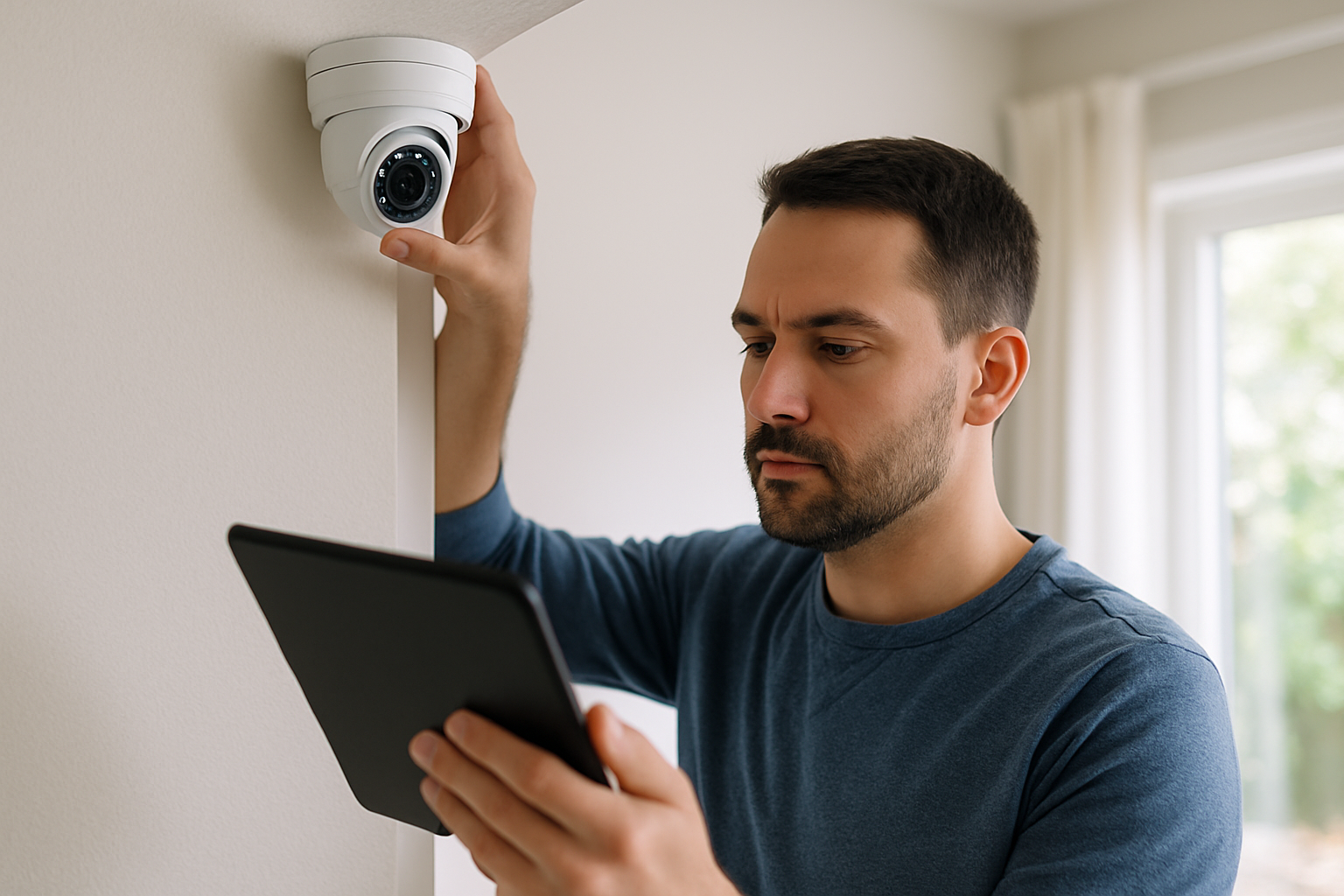
Have you ever wondered how do home security cameras work to keep your home safe? In an age where home security is more important than ever, understanding the technology behind surveillance cameras is essential. With millions of households investing in these devices, it’s crucial to know how they operate and what features to look for. In this article, we’ll explore the inner workings of home security cameras, including their components, types, and the technology that enables remote monitoring. By the end, you’ll have a comprehensive understanding of how these systems function, helping you make informed decisions about your home’s security.
Understanding the Basics of Home Security Cameras
Home security cameras are devices designed to monitor and record activities within and around a property. They serve as a deterrent to crime, allowing homeowners to keep an eye on their premises in real time or review footage later. Most cameras can be grouped into two main categories: wired and wireless. Wired cameras connect directly to a power source and a recording device, while wireless cameras transmit data over Wi-Fi, making installation simpler. Understanding these fundamental differences is crucial for choosing the right system that fits your needs.
Types of Home Security Cameras
Home security cameras can be classified into several types, including indoor, outdoor, PTZ (pan-tilt-zoom), and doorbell cameras. Indoor cameras are generally less weatherproof and focus on monitoring activities inside the home. Outdoor cameras are designed to withstand various weather conditions and often have features like night vision. PTZ cameras allow users to control the camera’s movement remotely, while doorbell cameras provide a unique view of visitors directly at the entrance.
Key Features of Security Cameras
Modern home security cameras come with a variety of features, such as motion detection, night vision, two-way audio, and remote access. Motion detection alerts homeowners when movement is detected, enhancing security. Night vision allows cameras to capture clear footage in low-light conditions. Two-way audio lets residents communicate with visitors through the camera, while remote access enables users to view live feeds from their smartphones or computers, providing peace of mind.
Key Points:
- Home security cameras can be wired or wireless.
- Understanding camera types and features helps in selecting the right system.
The Technology Behind Home Security Cameras
Home security cameras utilize various technologies to capture and transmit video footage. The core components of these systems include lenses, sensors, and recording devices. Lenses vary in focal length and field of view, determining how much area can be captured. Image sensors convert light into electrical signals, which are then processed to create video. Understanding these technological aspects is essential for evaluating camera performance and image quality.
Video Resolution and Quality
The clarity of the footage captured by security cameras is largely determined by video resolution, typically measured in pixels. Higher resolutions, such as 1080p (Full HD) or 4K, provide clearer images, allowing for better identification of faces and details. It’s important to balance resolution with storage capacity, as higher-quality footage requires more space, influencing the overall costs of a security camera system.
Data Storage and Accessibility
Home security cameras store footage either locally or in the cloud. Local storage options include DVRs (Digital Video Recorders) or NVRs (Network Video Recorders), which save video directly on-site. Cloud storage allows footage to be accessed remotely, offering added convenience but may involve subscription fees. Homeowners should consider their storage needs and access preferences when evaluating storage options.
Key Points:
- Video resolution affects image clarity and detail identification.
- Choosing the right storage option impacts accessibility and costs.
Understanding the Technology Behind Home Security Cameras
Home security cameras operate using a combination of hardware and software technologies. The core components include image sensors, lenses, and networking interfaces. Image sensors convert light into electronic signals, while lenses focus the captured images. The networking interface allows the camera to connect to the internet or local storage, enabling remote access and monitoring. Advanced models may also incorporate features like motion detection and night vision, enhancing their effectiveness in various conditions.
Image Sensors and Their Role
Image sensors are crucial for capturing high-quality video. There are two primary types: CCD (Charge-Coupled Device) and CMOS (Complementary Metal-Oxide-Semiconductor). CCD sensors typically offer superior image quality but consume more power, while CMOS sensors are more energy-efficient and are increasingly favored for modern cameras. Understanding these differences helps in selecting the right camera for specific needs.
Networking and Remote Access
Most home security cameras connect via Wi-Fi, allowing users to access live feeds and recorded footage remotely through smartphones or computers. Some cameras use Ethernet cables for a stable connection, while others may employ cellular networks. Choosing the right connectivity option is essential for ensuring reliable operation and access, particularly in areas with poor Wi-Fi coverage.
Key Points:
- Image sensors are vital for video clarity
- Networking options affect camera accessibility
💡 Consider the camera’s resolution for better image quality
💡 Choose a camera with night vision capabilities for 24/7 monitoring
Features and Functionalities of Home Security Cameras
Home security cameras come equipped with various features that enhance security and usability. Common functionalities include motion detection, two-way audio, cloud storage, and smart alerts. Motion detection triggers recording when movement is sensed, helping to capture critical moments. Two-way audio allows homeowners to communicate through the camera, enhancing interaction with visitors or intruders. Cloud storage provides off-site backup, ensuring footage is safe even if the camera is damaged.
Motion Detection and Alerts
Motion detection technology utilizes sensors to monitor changes in the environment. When movement is detected, the camera can send alerts to the homeowner’s smartphone or email. This feature is particularly useful for real-time monitoring and can deter intrusions. Adjusting sensitivity settings helps reduce false alarms caused by pets or environmental changes, making the system more reliable.
Storage Options: Local vs. Cloud
Home security cameras typically offer two storage options: local and cloud. Local storage involves saving footage on a device like a DVR or SD card, while cloud storage allows for off-site saving. Cloud services often come with a subscription fee but provide easier access and increased security against theft or damage. Evaluating storage needs is crucial for maintaining footage availability and security.
Key Points:
- Motion detection enhances security responsiveness
- Choosing the right storage option is essential for data security
💡 Look for cameras with customizable motion detection zones
💡 Ensure ample storage capacity for your recording needs
EXPERT TIPS Pro Advice
Research camera placement for optimal coverage
Proper placement ensures that blind spots are minimized and coverage is maximized, allowing for comprehensive monitoring of the premises.
Regularly update camera firmware
Firmware updates often include security patches and feature enhancements that can improve camera performance and security.
Use strong, unique passwords for camera access
A robust password protects against unauthorized access, which is crucial for maintaining the integrity of your home security system.
Consider integrating cameras with other security systems
Integrating cameras with alarms or motion sensors can create a more comprehensive security network, enhancing overall protection.
Perform routine checks and maintenance
Regular checks ensure cameras are functioning correctly and that lenses and sensors are clean, which is vital for optimal performance.
Frequently Asked Questions
Conclusion
Home security cameras are vital tools for enhancing safety and prevention of crime. They work by capturing video through lenses and sensors, with various types available for different needs. Features like motion detection and night vision further enhance their effectiveness in protecting your home.
🎯 Key Takeaways:
- Cameras capture video using lenses and image sensors.
- Different types of cameras serve various purposes.
- Motion sensors help save storage and enhance security.
- Some cameras can operate without Wi-Fi.
- Night vision is essential for low-light monitoring.
Expert Advice: When choosing a home security camera, assess your specific needs, including installation location and desired features. Prioritize models that offer reliable performance and flexibility.
Consider evaluating your home security needs and exploring options to enhance your safety today.
Leave a Reply