
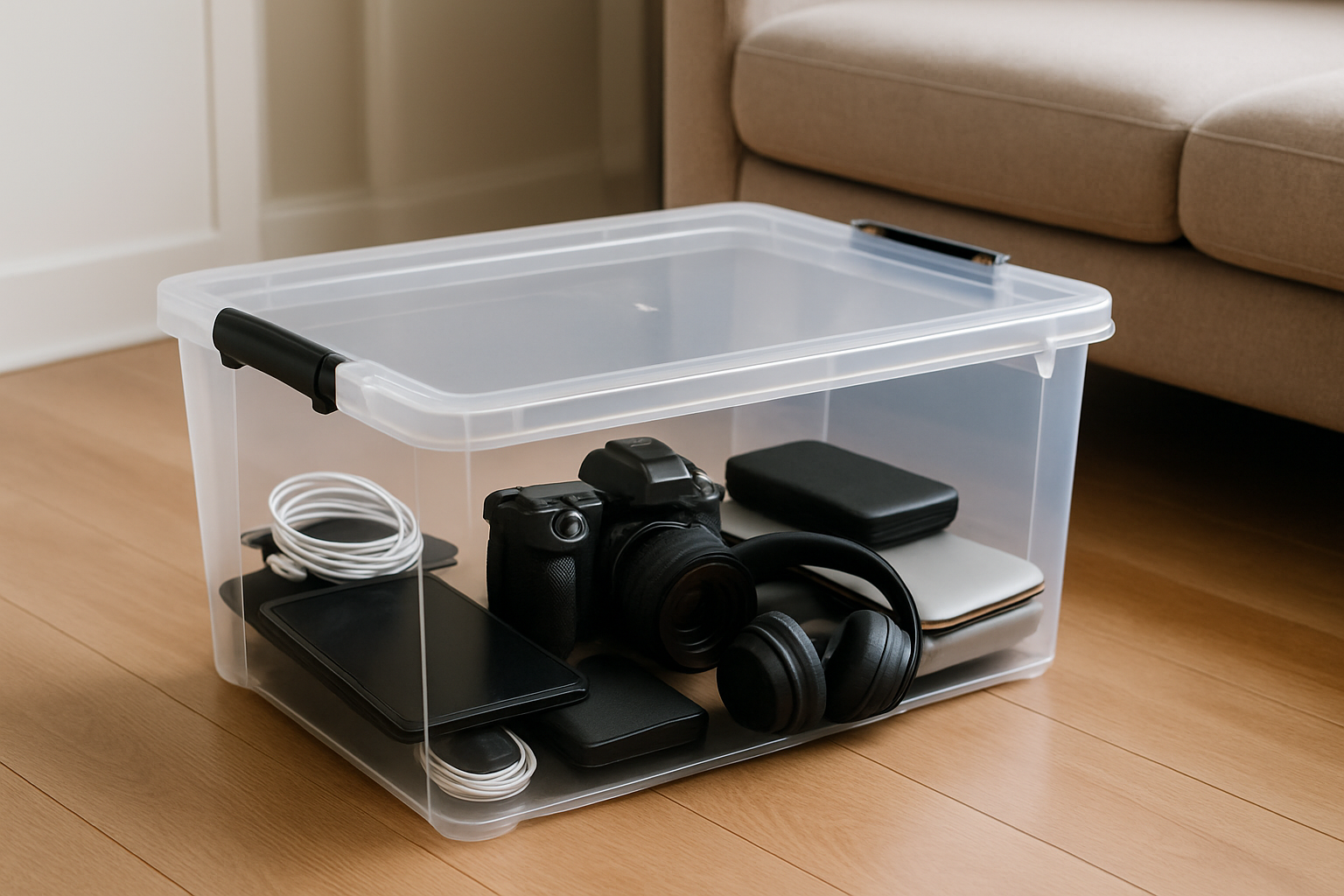
How to Store Electronics at Home: Essential Tips for Safety
Are your electronics cluttering your space and at risk of damage? Knowing how to store electronics at home is crucial for maintaining their longevity and functionality. With over 15 years of experience in home organization and care, I understand the challenges of keeping gadgets safe from dust, moisture, and accidental damage. In this article, we will explore effective strategies for storing your electronics, from proper placement to protective measures. You’ll learn practical tips to organize your devices efficiently and ensure they remain in top condition. Say goodbye to clutter and hello to a more organized home environment.
Understanding the Importance of Proper Electronics Storage
Storing electronics properly is crucial to prolong their lifespan and maintain functionality. Improper storage can lead to damage from dust, moisture, and extreme temperatures. When considering how to store electronics at home, it’s essential to create a controlled environment that minimizes these risks. Additionally, organizing your devices can help prevent tangling of cords and accidental damage. This section will explore the foundational principles of electronics storage, emphasizing how these practices can protect your investment while ensuring easy access when needed.
Temperature and Humidity Control
Electronics thrive in stable environments. Ideally, the storage area should maintain a temperature between 50°F and 80°F with humidity levels between 30% and 50%. Excessive heat can warp components, while high humidity can cause corrosion. Use a hygrometer to monitor conditions and consider a dehumidifier to maintain optimal levels.
Dust and Debris Protection
Dust can infiltrate electronic devices, causing malfunctions over time. Store electronics in dust-proof containers or use protective covers. Regularly clean your storage area to eliminate dust accumulation and ensure that any stored devices remain clean and operational.
Organizing Cables and Accessories
Proper organization of cables and accessories is vital. Use cable ties or storage bins to keep cords untangled and easily accessible. Labeling cables can also save time and frustration when retrieving specific devices. This systematic approach not only keeps your space tidy but also extends the life of the cords.
Key Points:
- Proper storage extends the lifespan of electronics
- Temperature and humidity control are essential factors
Best Practices for Storing Specific Types of Electronics
Different types of electronics require tailored storage practices to ensure their safety and functionality. Whether it’s computers, mobile devices, or gaming consoles, each has unique needs that should be addressed when learning how to store electronics at home. This section outlines best practices for various electronics, highlighting the importance of following specific guidelines to protect your devices effectively.
Computers and Laptops
Store computers and laptops in a cool, dry place, ideally in their original boxes if available. Ensure that they are powered off and disconnected from any power source. Avoid stacking heavy items on top to prevent physical damage, and regularly check for software updates and backups even during storage.
Mobile Devices
For mobile devices, remove any cases and store them in soft, cushioned containers to prevent scratches. Keep them charged between 40% and 60% to maintain battery health. Avoid storing them in hot cars or damp basements, as extreme conditions can significantly impact performance.
Gaming Consoles
Gaming consoles should be stored upright in a well-ventilated area to prevent overheating. Remove game discs and store them in protective cases. Ensure that the console is clean and free from dust before storage, as this can help prevent overheating and maintain the integrity of the system.
Key Points:
- Tailored storage practices are crucial for different electronics
- Maintaining the devices’ condition during storage prevents future issues
Preparing Electronics for Storage
Before storing electronics, it’s essential to prepare them properly to prevent damage. Start by cleaning each device to remove dust and debris, as these can cause corrosion over time. Use a microfiber cloth for screens and a gentle cleaning solution for surfaces. Next, remove batteries from devices that will not be used for extended periods to avoid leakage. For larger electronics like televisions and computers, ensure all cables are disconnected and organized to prevent tangling. Lastly, consider taking photographs of your setup before disassembly. This can help you remember how to reconnect everything once you’re ready to use them again.
Cleaning and Disconnecting
Thoroughly clean each electronic device before storage. Dust and grime can cause long-term damage. Disconnect all cables and accessories to avoid clutter. Store cables separately in labeled bags to ensure easy access when you need to reconnect them.
Battery Management
Remove batteries from devices that will not be used for a long time. Storing electronics with batteries can lead to leakage and corrosion, damaging the device. If you plan to store items for long durations, consider using fresh batteries before sealing them away.
Key Points:
- Clean electronics thoroughly before storage.
- Always remove batteries to prevent leakage.
💡 Use a microfiber cloth for cleaning to avoid scratches.
💡 Take photos of setups to ease reassembly later.
Optimal Storage Conditions
The environment in which you store electronics can significantly impact their longevity. Aim for a cool, dry location with stable temperatures, as extreme heat or humidity can cause deterioration. Ideally, store electronics in their original packaging to protect them from dust and physical damage. If that’s not possible, use anti-static bags for smaller devices and bubble wrap for larger items. Avoid places with direct sunlight or fluctuating temperatures, like attics or basements. By creating a stable environment, you can significantly extend the lifespan of your electronics.
Temperature and Humidity Control
Store electronics in a climate-controlled environment, ideally between 60-75°F with low humidity. High humidity can lead to mold, while extreme heat may cause components to warp or fail. Use a dehumidifier if necessary to maintain optimal conditions.
Packaging and Protection
If original packaging is unavailable, use anti-static bags and bubble wrap for protection. This prevents static damage and cushions the devices against impacts. Label all packages clearly to simplify retrieval when needed.
Key Points:
- Maintain a stable temperature and low humidity.
- Use appropriate packaging to protect devices.
💡 Choose a storage area away from heat sources and moisture.
💡 Use original packaging or protective materials for safety.
EXPERT TIPS Pro Advice
Regularly check stored electronics.
Periodic checks can help identify any issues early, such as battery leakage or corrosion, allowing for timely intervention.
Label all cables and accessories.
Labeling helps in easy identification and reduces time spent searching for the right components when you need to set up your electronics again.
Avoid stacking heavy items on top of electronics.
Heavy items can lead to physical damage or bending of components, which could affect performance when the devices are retrieved.
Consider a dedicated storage solution.
Using dedicated shelves or storage bins can help keep electronics organized and protected from dust and debris.
Keep electronics out of direct sunlight.
Direct sunlight can heat devices and cause damage to screens and internal components, shortening their lifespan.
Frequently Asked Questions
Conclusion
Storing electronics properly is essential to prolong their life and ensure optimal performance. Keep them in a cool, dry environment, organize items carefully, and take precautions like removing batteries. By following these guidelines, you can protect your devices from damage and deterioration over time.
🎯 Key Takeaways:
- Store electronics in a cool, dry place.
- Organize and label items for easy access.
- Remove batteries to prevent leaks.
- Protect from dust using airtight containers.
- Ideal storage temperature is 50°F to 80°F.
Expert Advice: Take time to assess your storage space and implement these best practices to safeguard your electronics. Proper care goes a long way in maintaining the functionality and longevity of your devices.
Evaluate your current storage solutions and make necessary adjustments today to protect your valuable electronics.
Leave a Reply