

Have you ever wondered, ‘Can I recycle electronics at Home Depot?’ With the growing concern about e-waste and its environmental impact, understanding how to responsibly dispose of old electronics is crucial. Many people are unaware of the options available to them, which can lead to improper disposal methods that harm our planet. In this article, we’ll explore the recycling programs offered by Home Depot, the types of electronics you can recycle, and alternative options if Home Depot isn’t the best fit for you. By the end of this guide, you’ll have a comprehensive understanding of how to recycle your electronics responsibly and effectively.
Understanding Electronics Recycling
Electronics recycling involves the process of disposing of electronic waste (e-waste) in an environmentally friendly manner. This waste includes discarded devices like phones, computers, and televisions. Recycling these items helps reduce landfill waste, conserves resources, and minimizes harmful environmental impacts. Many retailers, including Home Depot, have implemented recycling programs to facilitate the proper disposal of e-waste. Consumers should be aware of what can be recycled and the specific guidelines that apply. Knowing the importance of e-waste recycling can encourage responsible disposal habits.
What Counts as Electronics for Recycling?
Electronics suitable for recycling include a variety of devices such as computers, laptops, tablets, televisions, and smartphones. Additionally, peripherals like keyboards, mice, and printers may also be accepted. It’s essential to verify specific items eligible for recycling at your local facility, as guidelines can vary by location. Understanding what e-waste can be recycled helps streamline the disposal process and ensures that harmful materials are properly managed.
The Environmental Impact of E-Waste
Improper disposal of electronics can lead to significant environmental hazards. Many devices contain toxic substances, such as lead and mercury, which can leach into soil and water. By recycling electronics, these materials are extracted and processed safely, preventing pollution and conserving natural resources. E-waste recycling not only mitigates risks to the environment but also promotes sustainable practices by recovering valuable materials for reuse.
Key Points:
- Electronics recycling reduces landfill waste
- Improper disposal can harm the environment
Recycling Electronics at Home Depot
Home Depot participates in a recycling program that allows customers to drop off certain types of electronic waste. However, it’s crucial to check the specific items accepted at your local store, as the program may differ by location. Typically, stores might accept small electronics and batteries, but larger items may have different guidelines. Familiarizing yourself with the store’s recycling policies can help ensure that you’re following the correct procedures for e-waste disposal. This initiative aligns with growing efforts to promote environmental responsibility among consumers.
How to Prepare Electronics for Recycling
Before recycling electronics, prepare them by removing any personal data. For devices like computers and phones, perform a factory reset or wipe the storage to safeguard your information. Additionally, remove any batteries if necessary, as some locations have separate guidelines for battery disposal. Proper preparation not only protects your data but also ensures compliance with recycling protocols, facilitating a smoother recycling process.
Finding Your Local Home Depot Recycling Program
To find out if your local Home Depot offers an electronics recycling program, visit their website or contact the store directly. Many locations provide details about the types of electronics they accept and any specific restrictions. Additionally, some stores may have designated recycling days or events. Staying informed about your local store’s recycling policies helps you plan your visit and ensure proper disposal of your e-waste.
Key Points:
- Check local store policies for accepted items
- Prepare devices by removing personal data before recycling
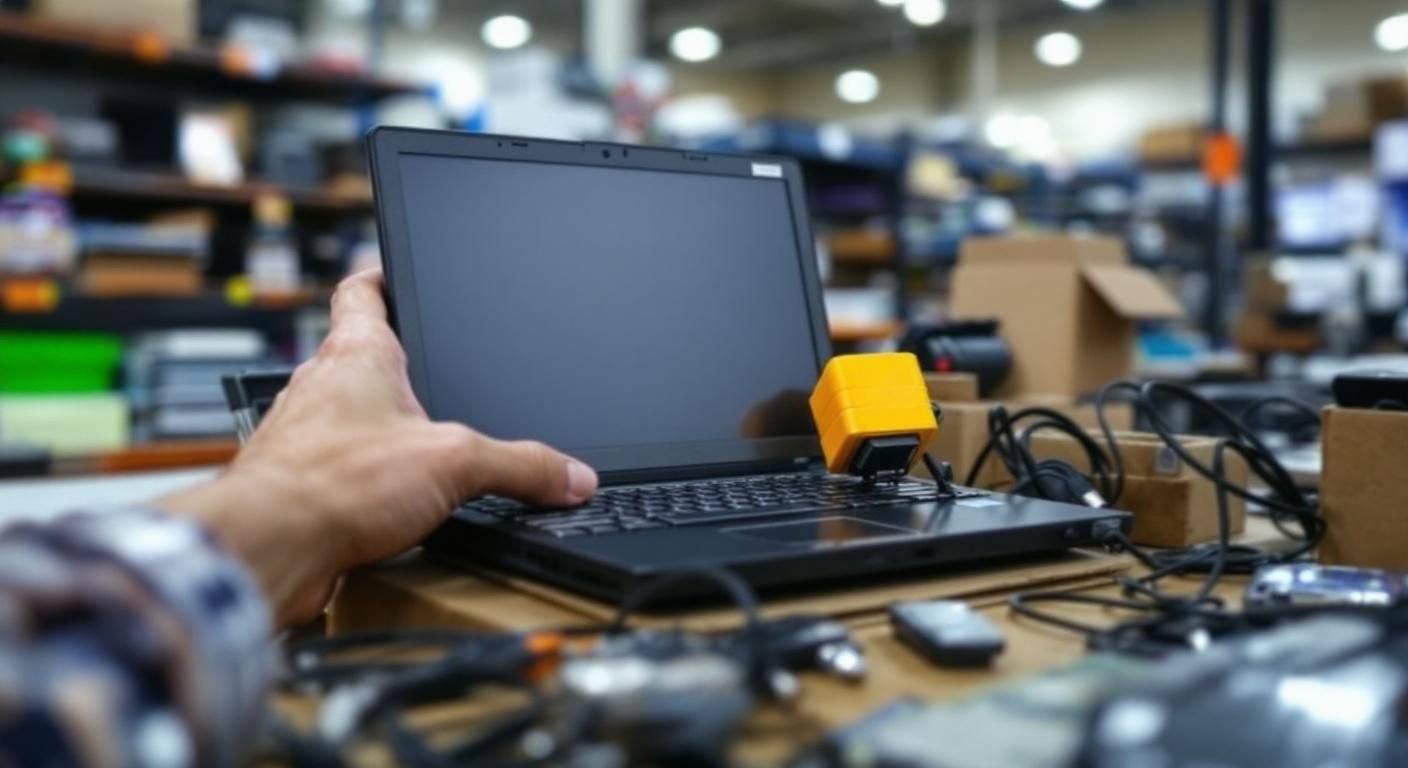
Understanding Electronics Recycling at Home Depot
Home Depot offers recycling programs for various types of electronics, helping consumers responsibly dispose of unwanted devices. Many locations have designated drop-off areas for items such as batteries, light bulbs, and small electronics. However, it’s crucial to check the specific guidelines of your local store, as policies may vary. Understanding what can be recycled is essential for effective participation in these programs and to ensure that recyclable materials are handled properly.
Types of Electronics Accepted
Home Depot typically accepts small electronics like cell phones, tablets, and chargers. Larger items, such as TVs and computers, may not be accepted due to size and safety regulations. Always confirm with your local store’s recycling program to avoid confusion and ensure compliance with their accepted materials.
Local Store Variations
Not all Home Depot locations offer the same recycling services. It’s important to contact your local store or visit their website to find out what specific electronics can be recycled at your location. This information helps in planning your recycling trip and ensures that you’re following the correct guidelines.
💡 Research your local store’s recycling guidelines
💡 Organize your electronics for easy drop-off
Maximizing Your Electronics Recycling Efforts
To make the most of your recycling efforts at Home Depot, it’s beneficial to prepare your items before drop-off. Proper preparation not only ensures compliance with recycling policies but also enhances the efficiency of the recycling process. Understanding the lifecycle of electronics and the importance of recycling can further motivate responsible disposal practices.
Preparing Electronics for Recycling
Before recycling, remove personal data from devices. For phones and tablets, perform a factory reset and remove SIM cards. This step protects your privacy and is a crucial part of responsible recycling. Additionally, clean the devices to ensure they are ready for processing.
Environmental Impact of Recycling
Recycling electronics reduces environmental harm by preventing toxic materials from entering landfills. It also conserves resources by allowing materials to be reused. Being aware of this impact can motivate individuals to participate in recycling programs more actively, knowing they contribute to a healthier planet.
💡 Always wipe personal data before recycling
💡 Educate yourself on the environmental benefits of recycling
EXPERT TIPS Pro Advice
Contact your local store before visiting
This ensures you have the most current information on what can be recycled and any specific requirements they may have.
Consider alternative recycling options
If Home Depot doesn’t accept certain items, look for local e-waste recycling events or programs to ensure responsible disposal.
Stay informed about electronics recycling laws
Understanding local regulations can help you stay compliant and avoid potential fines for improper disposal of electronic waste.
Frequently Asked Questions
Conclusion
Recycling electronics at Home Depot is a responsible way to dispose of unwanted devices. The store accepts various small electronics and batteries, contributing to environmental sustainability. Always ensure personal data is removed and check local policies for specific recycling events and guidelines.
🎯 Key Takeaways:
For more details, check out our guide on does home depot take electronic waste.
- Home Depot offers electronic recycling in select locations.
- Small electronics and batteries are typically accepted.
- Always verify what items can be recycled at your local store.
- Removing personal data from devices is essential before recycling.
- Recycling helps conserve resources and protects the environment.
Expert Advice: Stay informed about local recycling options and events. Participate actively to help reduce electronic waste and promote sustainability in your community.
Visit your local Home Depot or their website to learn more about their recycling programs and how you can contribute.
Leave a Reply